

 united states

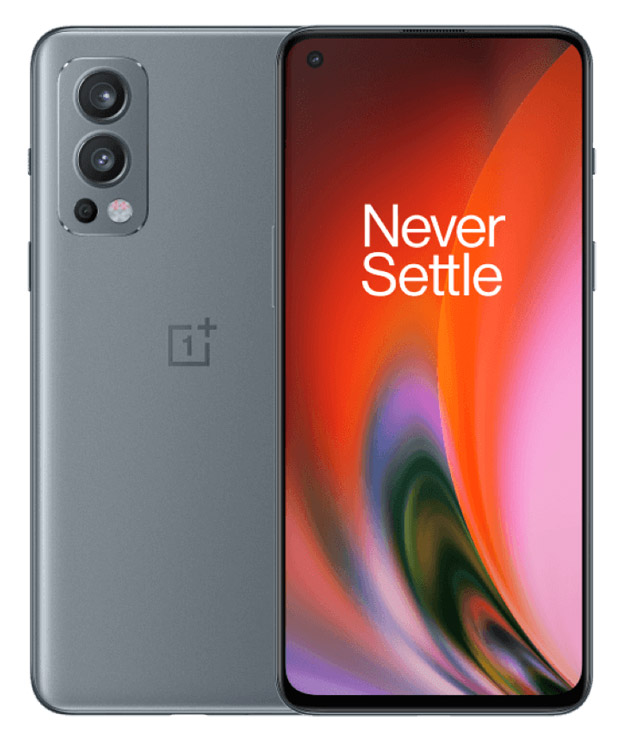
Unlock OnePlus Phone by Unlock Code
Unlock your OnePlus phone online today. Our OnePlus IMEI unlocking service has a 100% success rate, guaranteeing you a permanently, internationally unlocked OnePlus device.

24 Hour Unlock Delivery
Unlock your device within 24 hours, with instant unlocking for many carriers

Your Phone Stays Safe
Keep your device throughout the entire unlocking process - no need to send it in

International Unlocks
Unlock your phone to use with any carrier, anywhere in the world
How to unlock your OnePlus in 3 simple steps
Unlock your phone quickly and easily with our remote unlocking service, all without voiding your warranty
Enter your device details
Select the network provider that your device is locked to and enter the IMEI number. We'll automatically detect your device model. To find your IMEI, dial *#06# on your phone or go to Settings > About.
We process your unlock
Once payment is received, we process your unlock remotely, verify your order, and fix any mistakes. You can track progress on the order tracking page. Most unlock codes are ready in 15 minutes, or within 24 hours if sourced from the manufacturer.
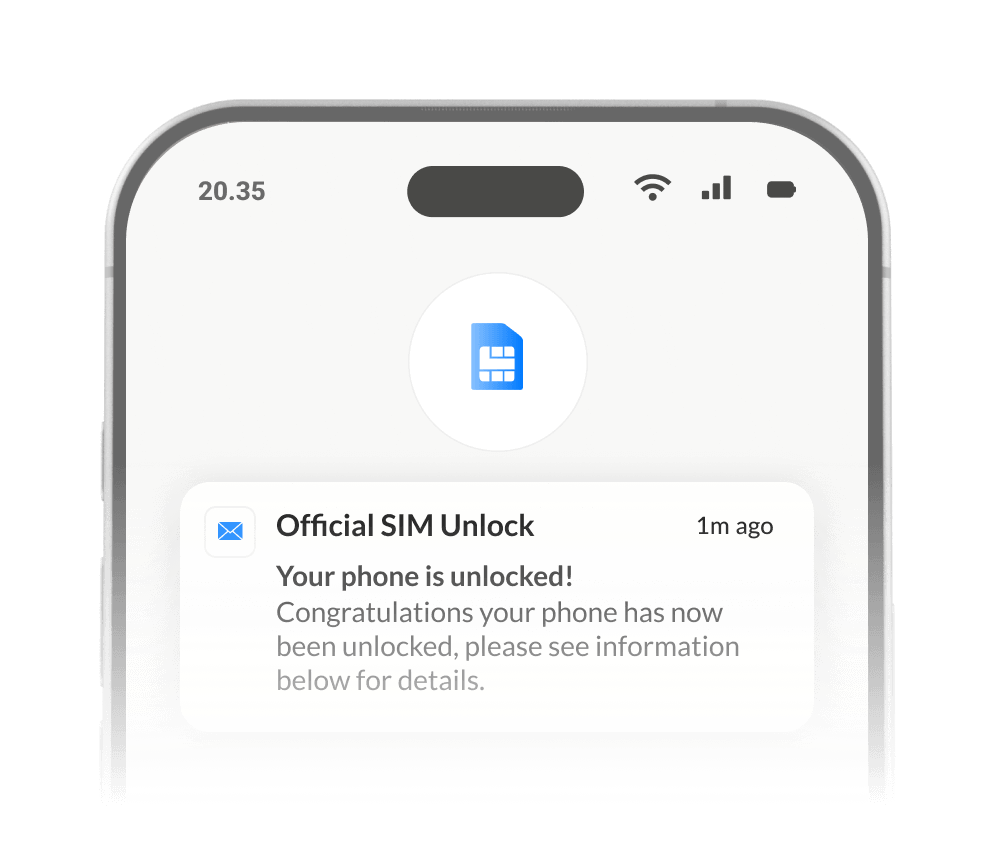
Device Unlocked
Your device is unlocked permanently and legally. You'll receive confirmation via email. iPhones are unlocked over-the-air, while Samsung devices require a code input. If you need help, our support team is available 24/7.
Why unlock my OnePlus with Official SIM Unlock?
Unlocking your OnePlus with Official SIM Unlock is hassle-free, cost-effective, and permanent. We provide the top IMEI unlocking service, making it the best OnePlus unlock solution worldwide.
-
Avoid Expensive Roaming Charges
Save money on trips by unlocking your OnePlus to use local SIM cards instead of costly roaming plans.
-

Switch Service Providers Easily
Unlock your OnePlus to switch to any network provider with better prices, features, or coverage.
-

Increase Your Phone’s Resale Value
Unlocking your OnePlus boosts its value, making it more attractive to buyers when you sell it.
-
Fast, Easy, and 100% Legal
Unlock your OnePlus quickly and legally from home using a trusted and secure unlocking process.
-

Permanent Unlock
Your OnePlus stays usable during unlocking, with a permanent unlock that supports all updates.
-

Warranty Remains Protected
Your OnePlus’s warranty remains valid, and you’ll receive email confirmation after the unlock.
Text
OnePlus Unlock FAQ
Our OnePlus phone IMEI unlocking process is completed in most cases within 24 hours, some within just a few hours! Some may take a little longer but you can track your unlocks progress using our handy order tracker!
Yes, not only can you keep hold of it, but you can use it as normal. The only thing you’ll have to do is enter a SIM card from a different carrier, restart the OnePlus phone when we instruct you to do so (at your convenience) and enter the unlock code we sent you when prompted!
You have up to 10 attempts to unlock your OnePlus phone, so please ensure you enter our unlock code correctly. If it doesn’t appear to be working please contact our customer support team.
We think it is, and for good reason. IMEI unlocking is recognised as the official and safest way to unlock a OnePlus phone, and is the same method carriers use to unlock OnePlus phones. Official SIM Unlock is the safest and most convenient way to IMEI unlock your OnePlus phone!
The only information we need is the OnePlus phone’s IMEI number (dial *#06# on your keypad to get this), the carrier it is locked to and the country.
We offer a carrier check service, which will let you know which carrier your OnePlus phone is locked to, if any!
To ensure your OnePlus prompts for the unlock code, please insert a SIM card from a different carrier provider into the OnePlus and switch on the device, you should then be prompted to enter an unlock code.